A Smarter Calendar. A Smoother Day.
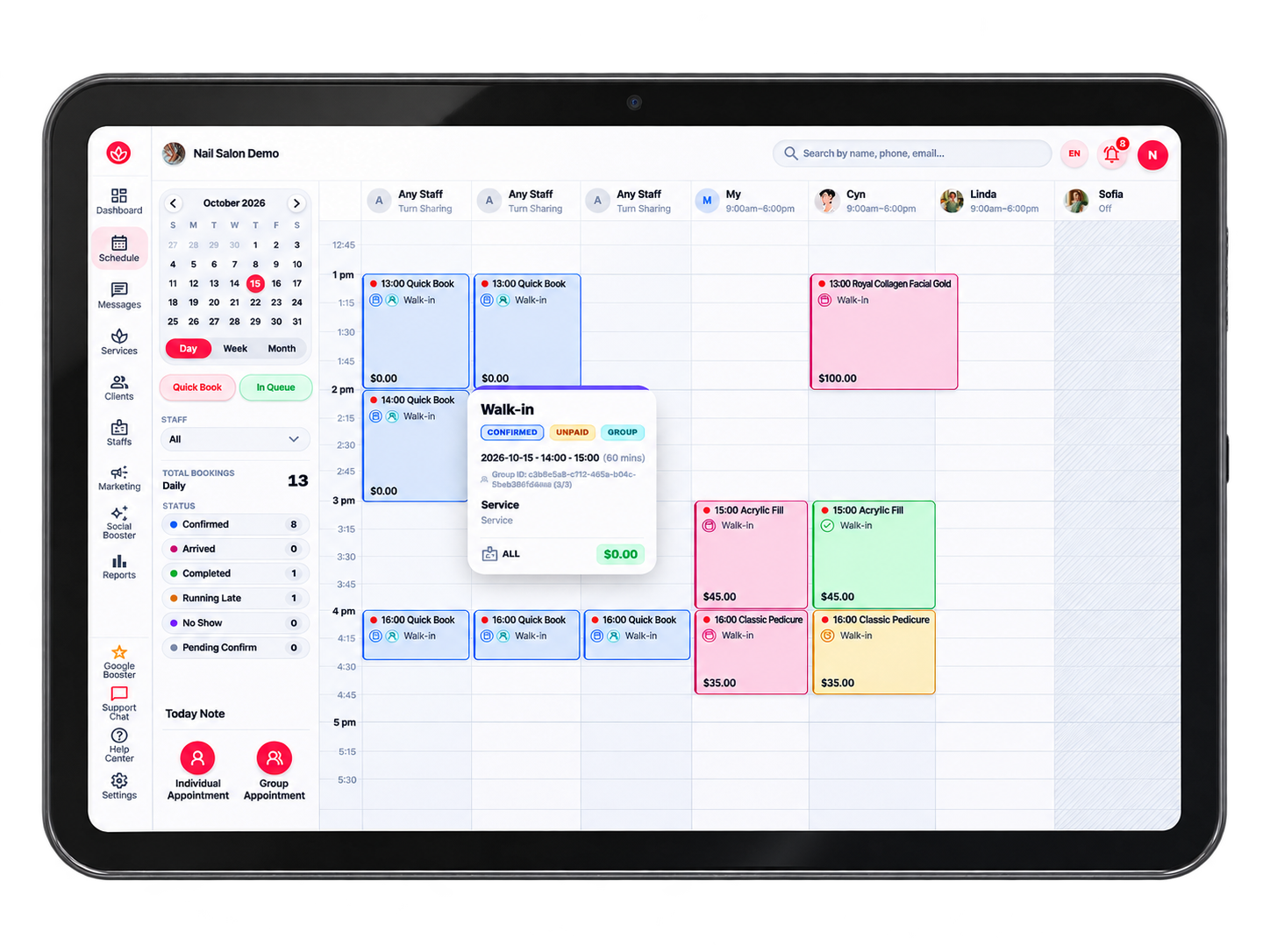
Make the most of every appointment slot without the scheduling headaches. Easily spot openings, add bookings during a phone call, and assign staff turns your way — manually or automatically, based on how your salon operates.
What you can do with Leo Booking
- Smarter Time Slots — Make better use of gaps between appointments.
- Quick Booking Slots — Create openings or add appointments in seconds.
- Flexible Staff Turns — Choose manual or automatic rotation.
- Your Rules, Your Workflow — Set up scheduling to fit your team.
Frequently asked questions
Can I see every staff member's schedule in one place?
Yes. The calendar shows all staff side by side by day, week or month, with each appointment's service, client and status, so you can see your whole day at a glance.
How does Leo Booking handle walk-in clients?
Front desk staff can add a walk-in in seconds with Quick Booking, then assign it to an available staff member manually or let the system pick the next staff in turn.
Does it support staff turns for nail salons?
Yes. You can assign turns manually or automatically based on how your salon works, so walk-ins are shared fairly between staff.
Will online and phone bookings ever double-book a staff member?
No. Online bookings, phone bookings and walk-ins all use the same live calendar, so a time slot that is taken is no longer offered to anyone else.