Booking Made Easy For Your Clients.
Whether it's a quick manicure or a group appointment, clients can book their visit in just a few steps. They can choose their services, pick a convenient time, and even upload inspiration photos so your team knows exactly what they're looking for.
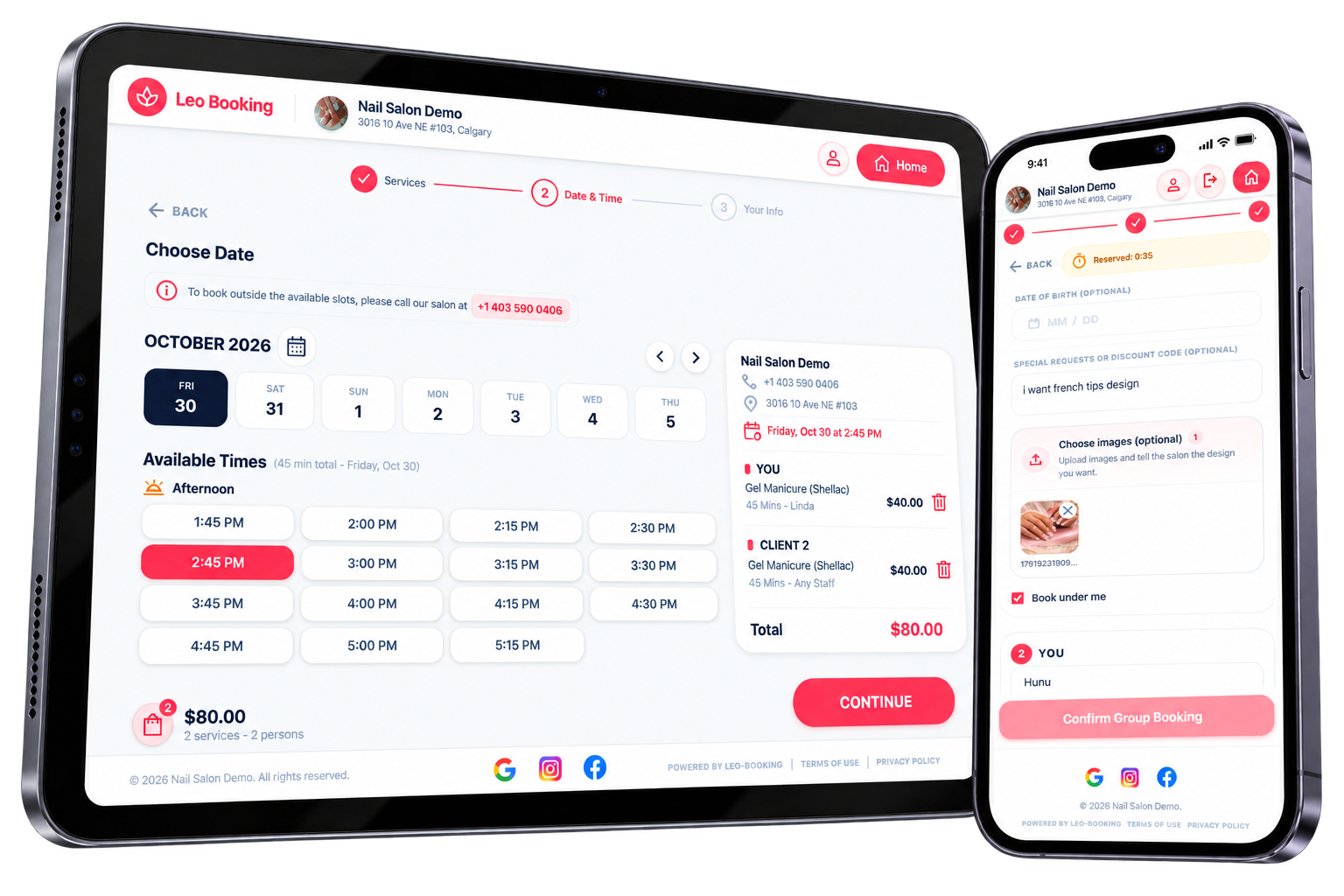
What you can do with Leo Booking
- Individual & Group Bookings — Make appointments for one or more people.
- Inspiration Photos — Let clients share their desired looks ahead of time.
- Easy Service Selection — Help clients find and book the right services.
- Book Anytime — Accept online booking requests around the clock.
Frequently asked questions
Can clients book appointments online 24/7?
Yes. Clients can book any time from your website, Google or your social media pages. They choose services, pick a staff member and an open time, and the appointment goes straight into your calendar.
Can clients book for a group in one appointment?
Yes. A client can add friends or family to the same booking and choose services for each person, which is ideal for parties and group visits.
Can I take a deposit when clients book online?
Yes. You can require a deposit for online bookings to protect your time against last-minute cancellations and no-shows.
Can clients send inspiration photos with their booking?
Yes. Clients can upload photos of the nail design or style they want, so your team knows exactly what to prepare before they arrive.
Can clients cancel their own appointments?
Yes. Clients log in to their account with their phone number and password and can cancel any upcoming appointment. You can set a cancellation window so clients can’t cancel at the last minute without you knowing.
Do clients get an account when they book online?
Yes, if they want one. After their first online booking, clients can create an account by setting a password, then log in with their phone number any time to check their appointments and loyalty points.
Do returning clients have to fill in their details again?
No. Clients only enter their details the first time they book with your salon. Next time, they just type their phone number and Leo Booking recognises them, so there’s nothing else to fill in.